The TADISCAN app
Our own mobile scanner for anyone with paper and a phone.
- Camera capture with edge detection
- Multi-page PDF export
- OCR text in the file
- Folders, renaming and search
Spain
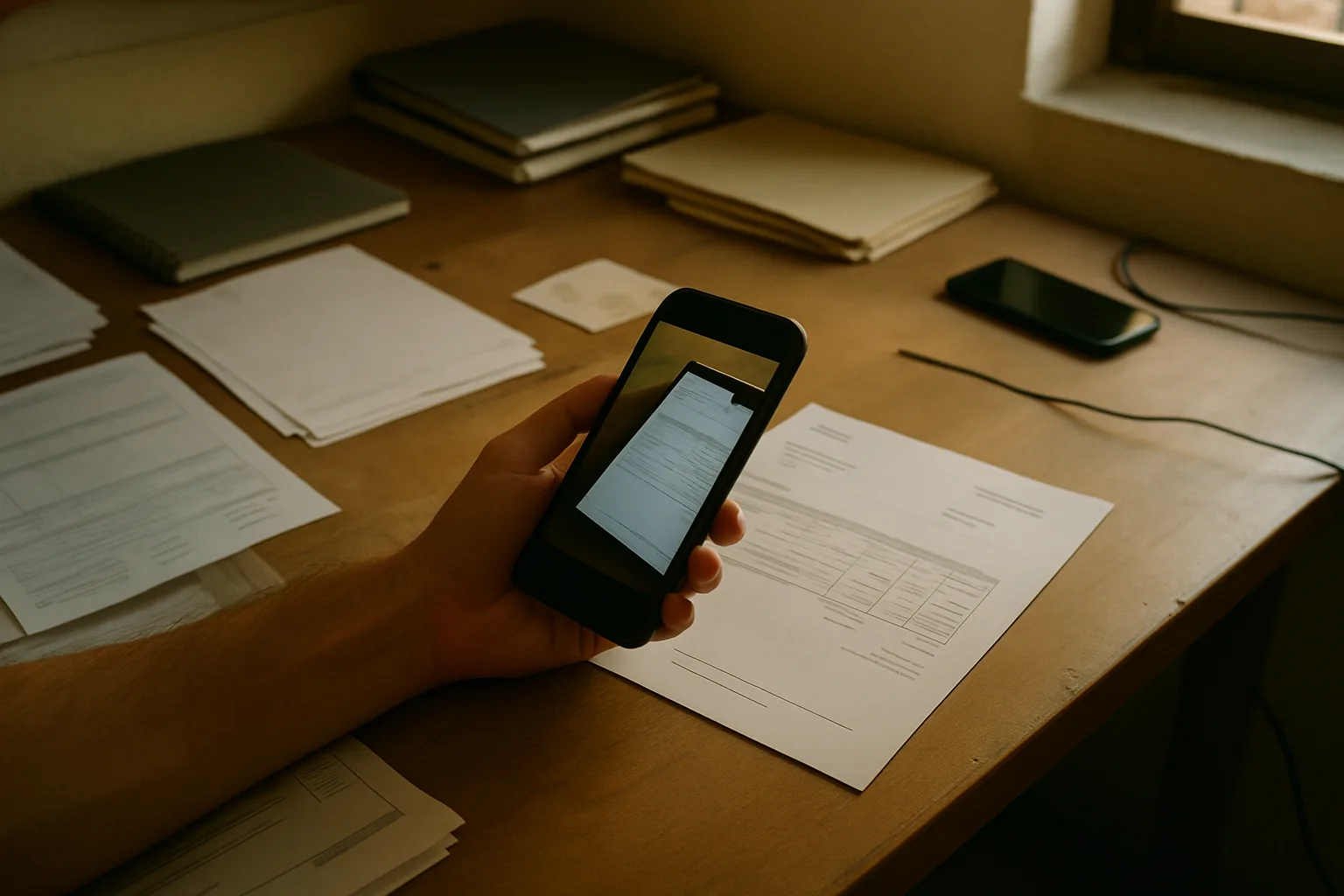
We make the scanning app that turns a phone camera into a document scanner — straight pages, clean PDFs, text you can search.
Edges are found automatically, perspective is corrected and the page is flattened, so a contract shot at an angle on a kitchen table comes out rectangular and legible.
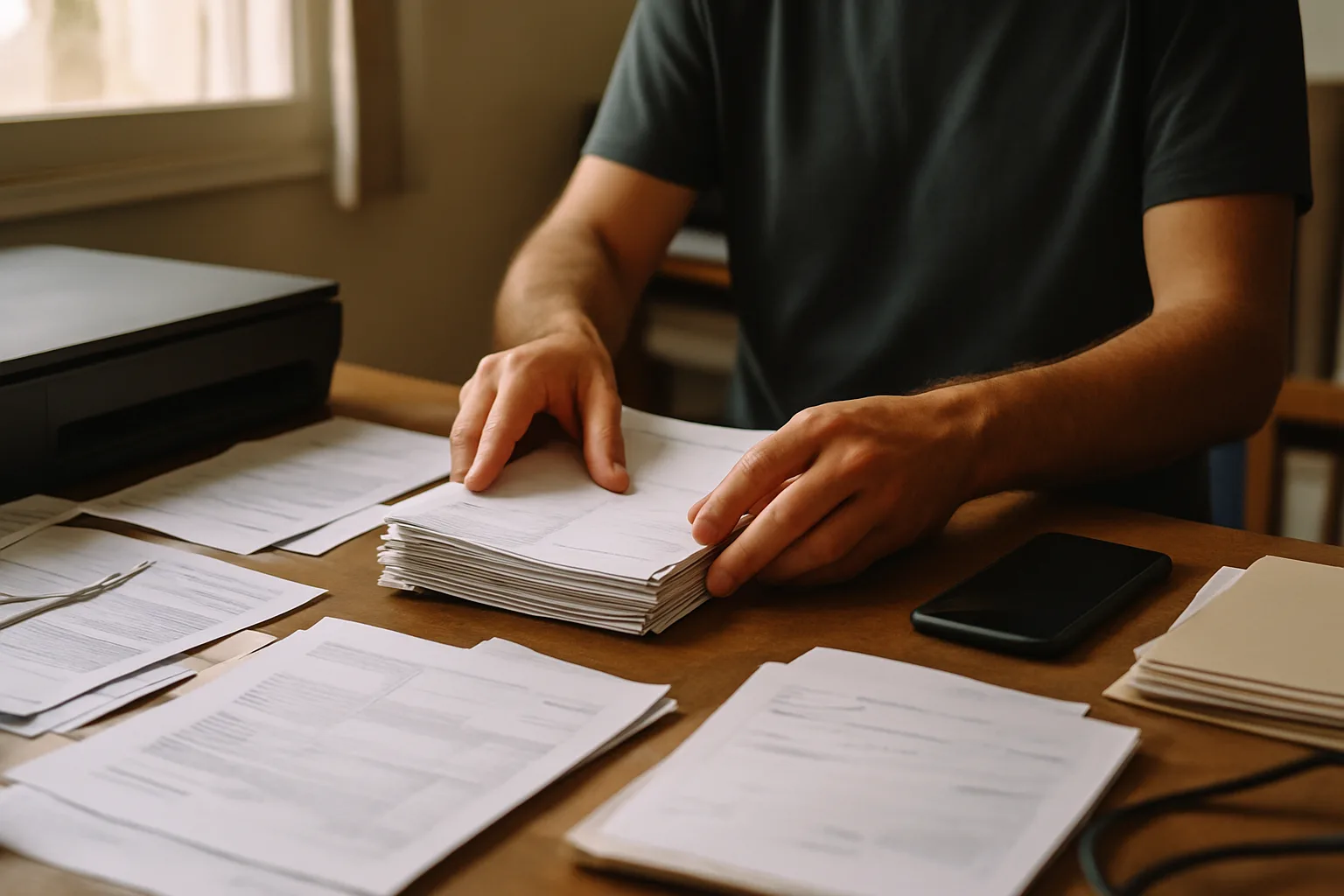
Pages go into one file in the order you shot them, can be reordered or dropped, and export at a size that still sends by email.
The scan is read and the text is kept with it, so the PDF is searchable and a reference number can be copied out instead of retyped.
Share to mail, messaging or a cloud drive, or export the plain file — the scan is not trapped in an app the recipient would have to install.
Scans are renamed, put in folders and found again by searching their contents rather than scrolling a camera roll.
A flatbed scanner solves one problem very well: it holds the paper flat, lights it evenly and knows exactly how far the glass is from the sensor. A phone has none of that. It is held by a hand, over a page that curls, under whatever light the room happens to have, often with the photographer's own shadow across the middle of the sheet.
Everything we build exists to close that gap. The hard part of mobile scanning is not the picture — it is the correction that follows. Find the four corners of the sheet against a worktop that may be almost the same colour. Work out the angle it was shot from and undo it, so the text lines run parallel again. Even out a page that is bright on one side and grey on the other. Decide how much contrast to add before thin print starts breaking up. Done well, nobody notices any of it; they just see a page.
Once the page is square and evenly lit, text recognition has a fair chance. Clean printed documents read well. Faded thermal receipts, carbon copies, tight tables and handwriting are harder, and we would rather say so than promise otherwise. That is why we treat OCR as a layer kept alongside the image rather than a replacement for it: you keep the picture of the document you actually hold, and you also get text you can search and copy.
In practice it is rarely a neat stack of A4. It is a rental contract on a sofa, a stack of expense receipts the night before a deadline, a meter reading, a form a school sent home in a backpack, an invoice somebody needs in the next ten minutes. The common thread is that the paper is in one place and the person who needs the file is in another, and nobody is going to walk to an office scanner.
So the measure of this software is not how many features it lists. It is whether a page can go from the table to a named, searchable, sendable PDF in less time than it would take to find the scanner — and whether it still works when the paper is crumpled and the light is bad. That is the whole brief, and it is what every piece of work we take on gets judged against.
An enquiry with the basics: what kind of documents, roughly how many, which languages, and where the finished files have to end up.
Before anything is quoted we ask for a handful of typical pages. Clean invoices and faded receipts are different problems, and the samples tell us which one you have.
You get a written scope: what capture, cleanup, OCR and export will do, what is out of scope, and what we need from your side to start.
We ship, watch how the first real scans behave and tune the capture and recognition settings against your own documents rather than a test set.
Four things people come to us about. All of them start with the same enquiry form.
Our own mobile scanner for anyone with paper and a phone.
For offices where several people are scanning the same kinds of documents.
Our scanning engine inside an app that carries your name and your store listing.
Capture, cleanup and OCR dropped into software you already have.
Scope and cost depend on volume, languages and where the files have to go — tell us what you need and we will come back with specifics rather than a figure invented in advance.
Paper on one side of the desk, files on the other.
Two lines about your documents is enough to start a useful conversation.
Someone from TADISCAN 2003 SL will get in touch shortly.
This page uses cookies for analytics and advertising measurement only after you give your consent. Learn More